Enterprise Security, Not Just Productivity Monitoring.
Next-gen workforce security monitoring powered by computer vision and machine learning—designed to detect risks, protect sensitive data, and uphold employee privacy without storing biometrics.
The fastest-growing companies use RemoteDesk.
Live Stress-free
Worried About Insider Data Theft?
You can never be too careful with sensitive information. RemoteDesk helps protect your data using Advance verification and authentication, keeping it safe from breaches.
Is Your Remote Work Secure Enough?
Remote work increases the risk of unauthorized access to sensitive data. Employees working from home might not have the same level of security as they would in the office, putting your business at risk.
Confident in Your Compliance with Industry Regulations?
With the complexities of HIPAA, GDPR, and PCI DSS, staying compliant
can be overwhelming. Failing to meet these standards can lead to legal
issues and hefty fines, along with damaging your company’s reputation.
How Can You Ensure the Right
Person Is Accessing Sensitive Data?
Passwords and multi-factor authentication alone aren’t enough. How do you know that the employee accessing confidential information is really who they say they are?
Are Your Employees Unknowingly Exposing Your Data?
Even the best-intentioned employees can inadvertently compromise
security. Insider threats—both intentional and accidental—are one of
the leading causes of data breaches in remote work environments.
We are ready to offer
Continuous Session Monitoring Without Micromanagement
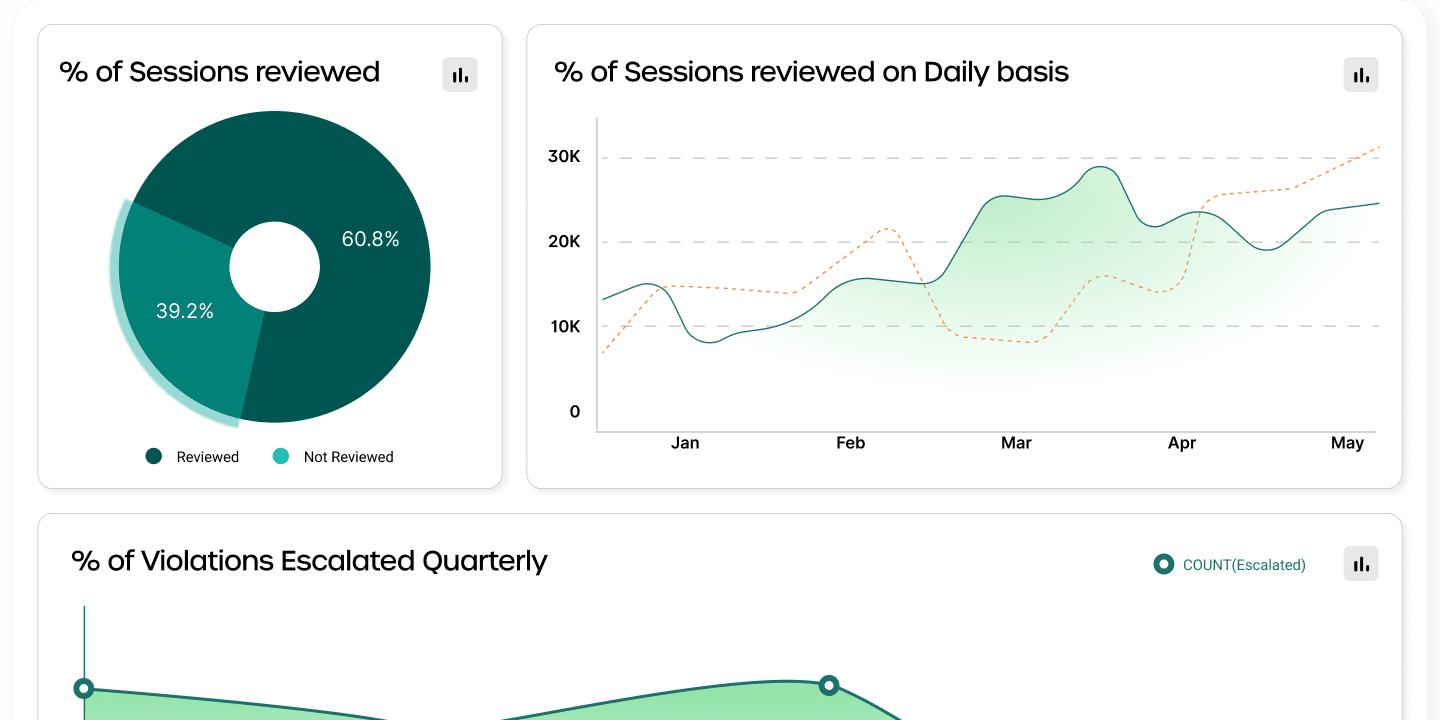
Track screen activity, idle time, and suspicious activity. Stay compliant with regulatory standards without invading privacy. Let your team work freely while staying secure.
Blocks risky activities with mobile detection.
Prevents data leaks and shoulder surfing.
Data Compliance (HIPAA PHI, PCI DSS) and Privacy
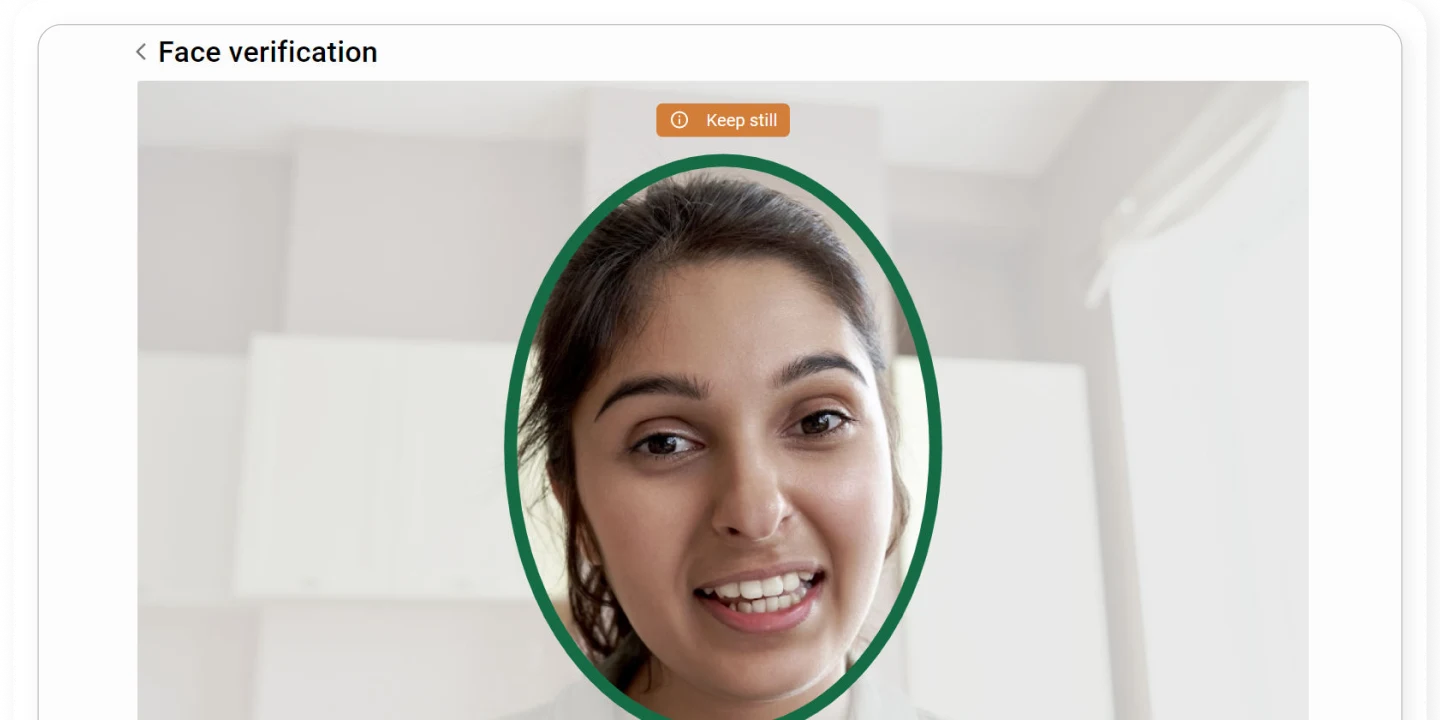
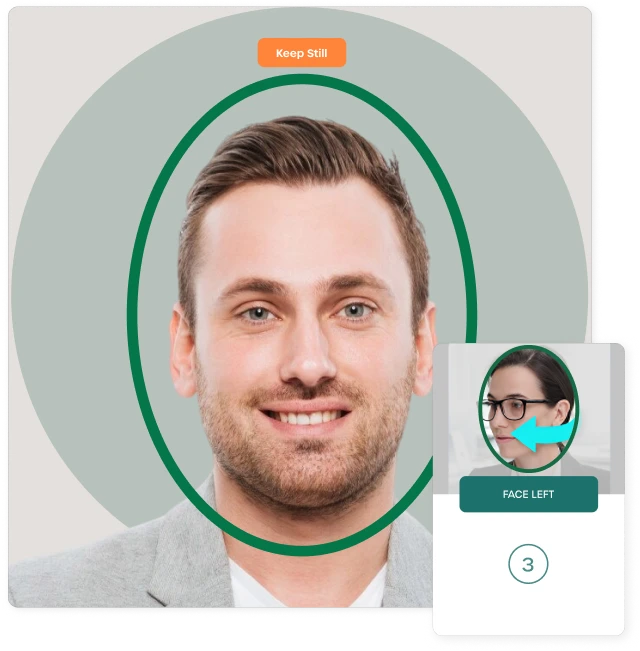
Continuous Facial Verification and User Behavior Analytics
Data Risk Mitigation and Insider Threat Detection
02.
FaceAuth
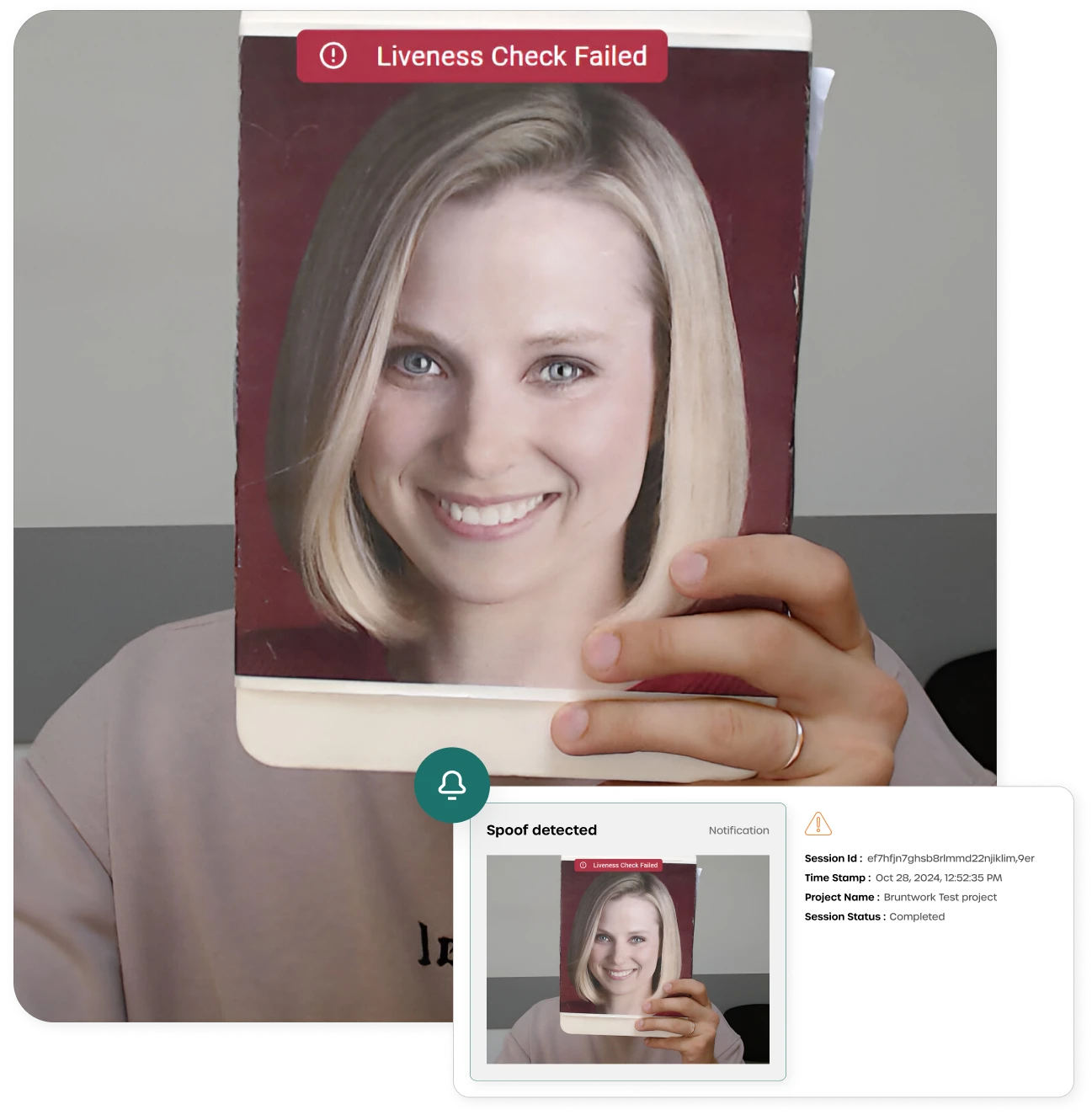
Verifies identity with real-time facial recognition and detects impersonation.
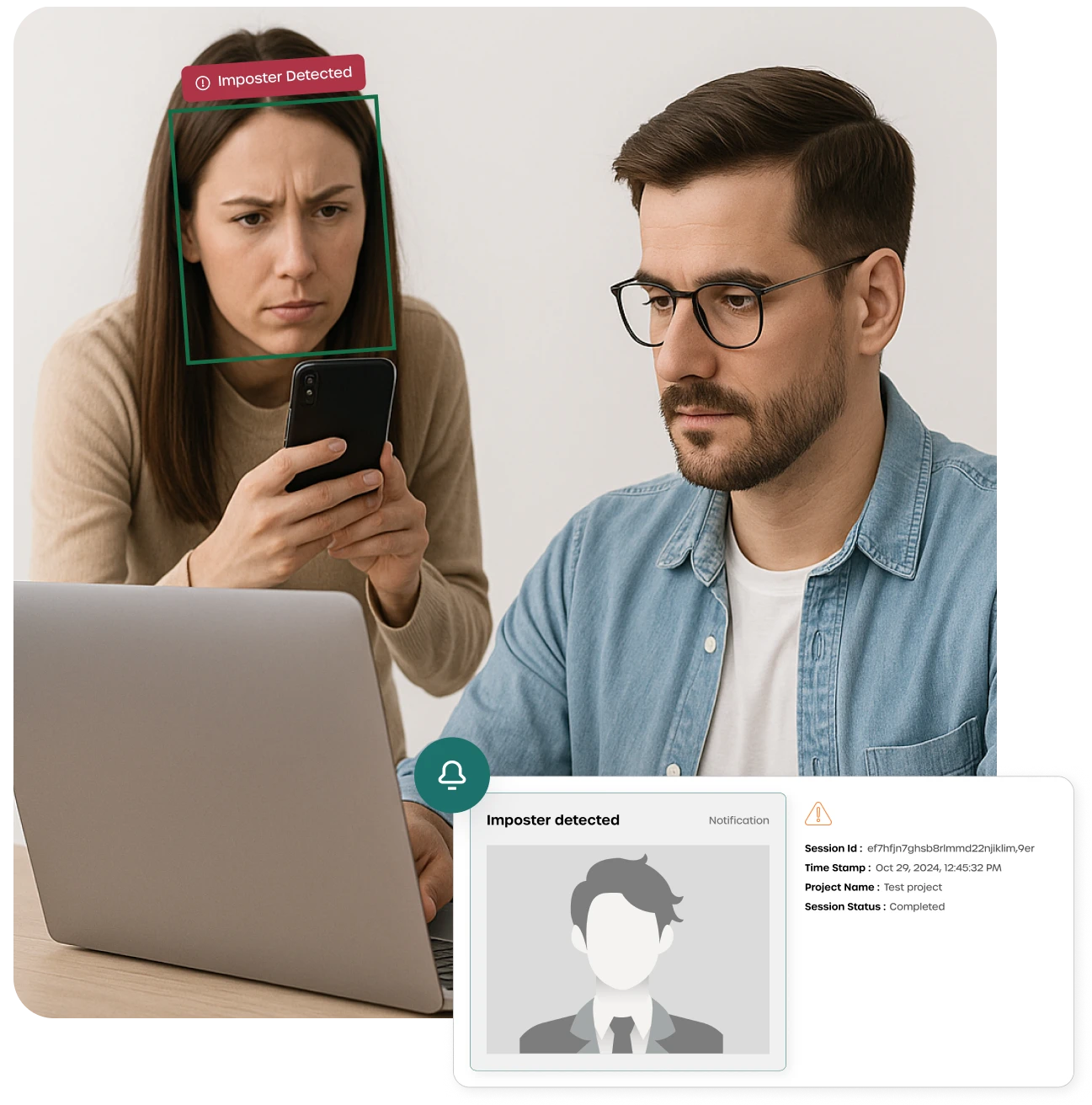
Protects sessions with spoof and imposter alerts.
Continuous Workforce Facial Verification and Authenticationy
Real-Time Imposter and Spoof Detection
Malicious and Insider Activity Risk Mitigationy
03.
Zero Knowledge
Privacy-first architecture with no access to user data. Enables secure violation handling while maintaining full data confidentiality.
No Access to Underlying Data—Built-in Zero Knowledge Encryptiony
User Data Stays Private—Not Even RemoteDesk Can See It
Streamlined compliance for hybrid and remote environments
Accredited by the top compliance programs.
Features
Prevent Insider Threats and Unauthorized Access
With continuous face verification and computer vision monitoring, RemoteDesk prevents unauthorized access to sensitive information. Keep your data secure, no matter where they work.
With continuous face verification and monitoring, RemoteDesk ensures real-time protection against unauthorized access to sensitive data.
Effortless Compliance
RemoteDesk balances security with respect for privacy, enabling smart monitoring without invading an employee's personal space or freedom.
Enhanced Employee Privacy
RemoteDesk carefully balances security with respect for privacy, ensuring monitoring without invading an employee’s personal space.
Proactive Threat Detection
With
notifications alert you to potential security risks, including impersonation or suspicious activities, before they become serious issues.
Security Made Simple
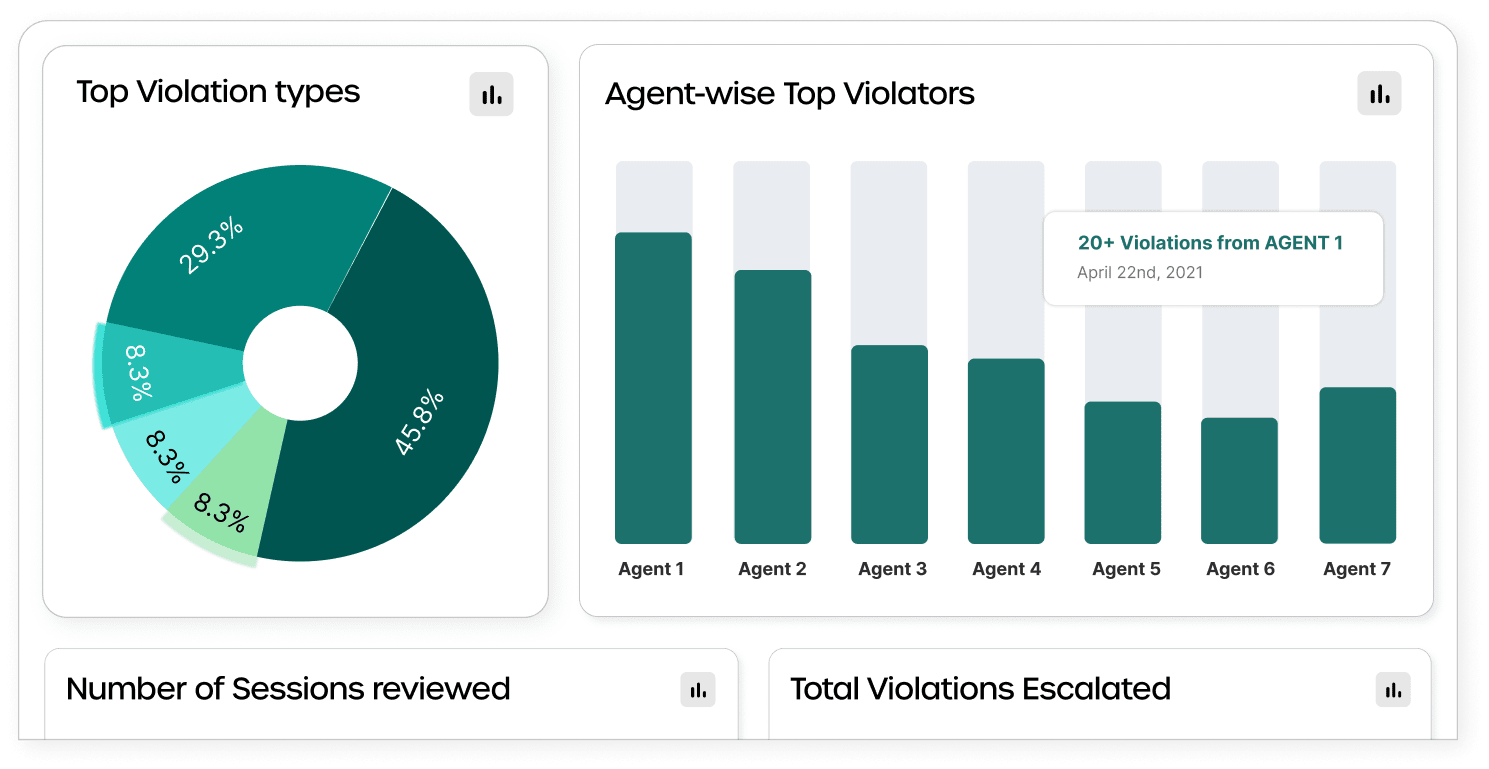
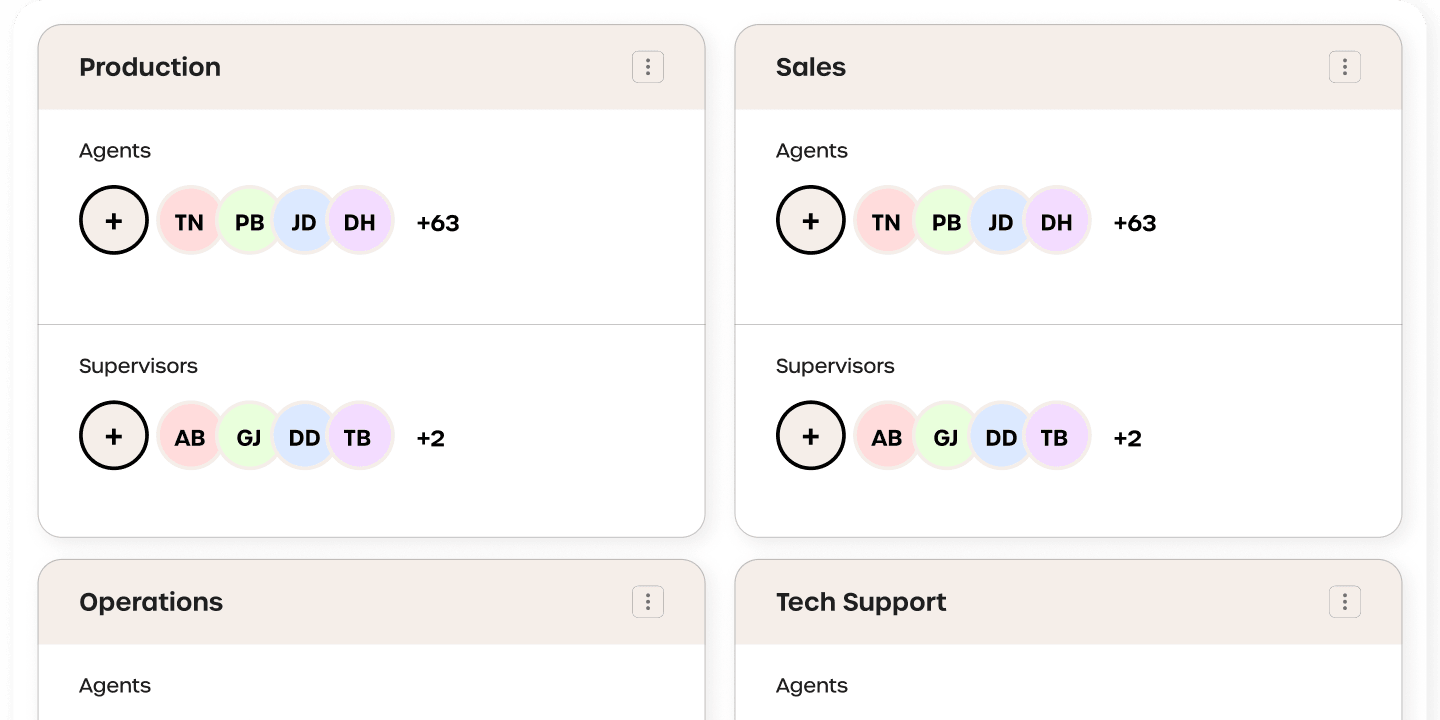
Manage workspace security policies with ease across your workforce, whether remote or in-office, through a single, user-friendly dashboard.
Data Leak Prevention
RemoteDesk offers advanced protection like Electronic Data Leak Protection (EDLP), keeping your sensitive data safe from any leaks or unauthorized sharing.
How RemoteDesk Helps: From Problem to Purpose
60K
Compliance Checks Every Month
6%
Savings on Operational Costs
21%
Increase in Employee Work Management
30M+
Face Verified and Authenticated Every Month
Industries we serve
IT Services & Consulting
Healthcare Service Provider
Brokerage & Mortgage Firms
Entertainment & Gaming Industry
Entertainment & Gaming Industry
Banking, Financial services & insurance
Legal & Audit Firms
Connect with RemoteDesk
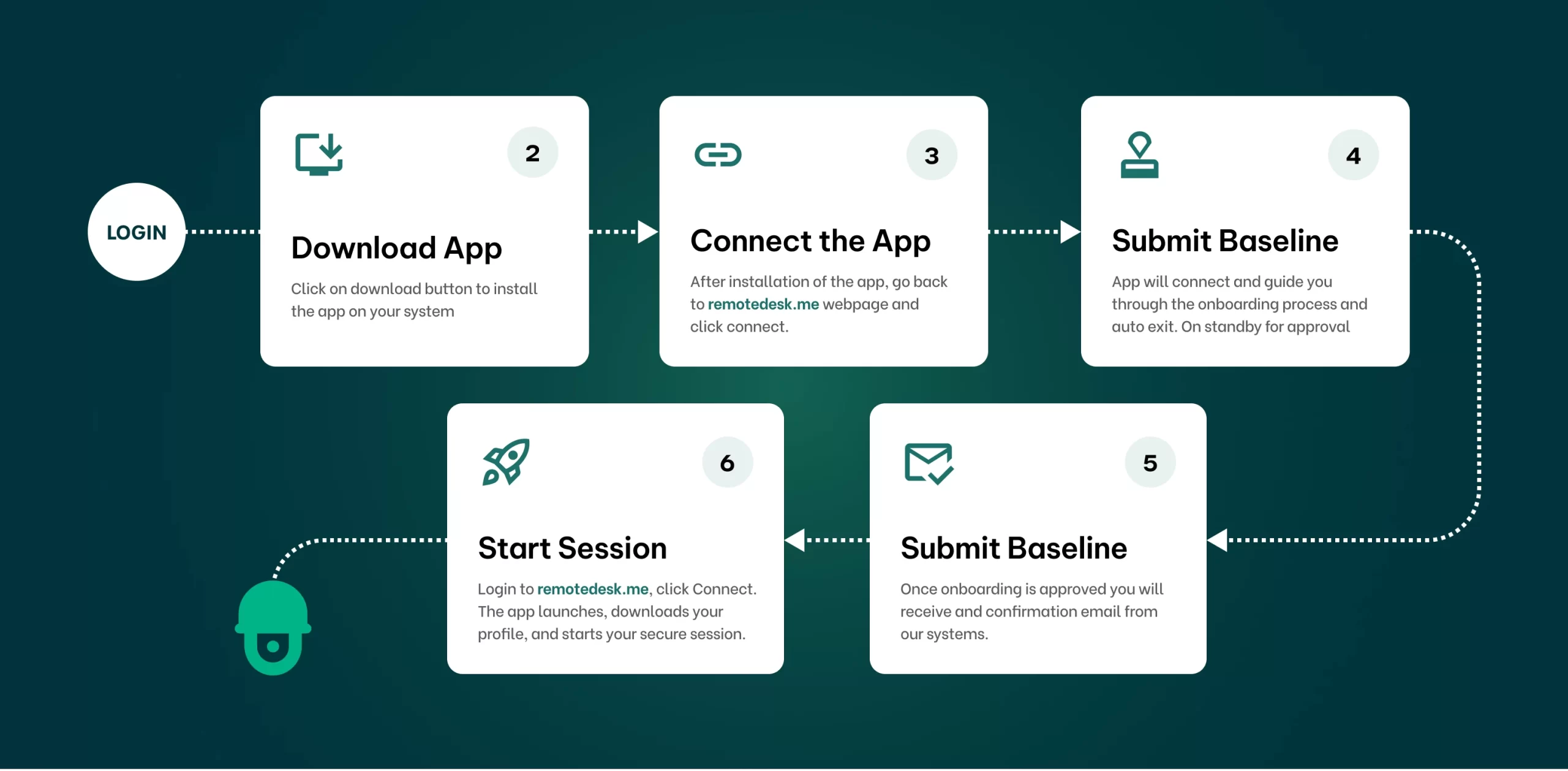
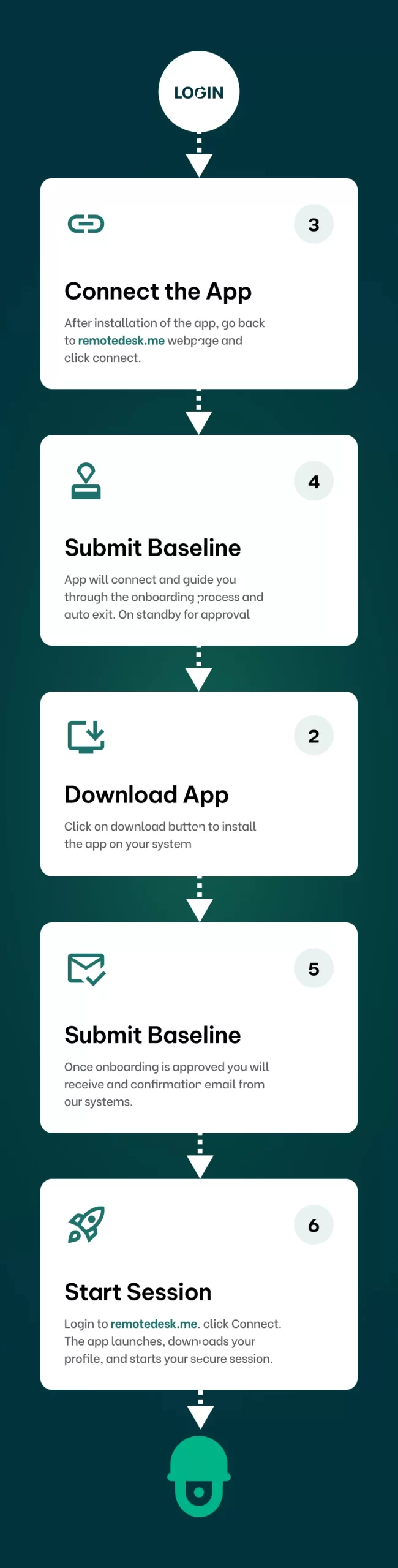
User Onboarding Guide
Sign up, verify your identity, and securely start your remote work with RemoteDesk.
Know More
Frequently Asked Questions
Everything you need to know about the product and billing.
RemoteDesk is a privacy-first remote workforce monitoring solution designed to secure hybrid, in-office, and remote environments. It ensures compliance, detects policy violations, and safeguards sensitive data — all without invading employee privacy.
RemoteDesk follows a Zero Knowledge architecture, which means we do not access, view, or store any user data, including personally identifiable or biometric information. All processing happens locally on the user’s device.
RemoteDesk identifies a wide range of policy violations such as mobile phone usage, multiple faces in the frame, camera blocks, shoulder surfing, session inactivity, and impersonation attempts — all while maintaining employee transparency.
RemoteDesk is trusted across industries that demand strict compliance and data protection — including finance, healthcare, legal, education, and BPO sectors.
RemoteDesk helps companies align with global compliance standards such as HIPAA, PCI DSS, and other data governance policies by offering secure monitoring, audit-ready reports, and evidence-based violation logs.
Unlike invasive screen trackers, RemoteDesk prioritizes user privacy, works silently in the background, and only flags policy violations that put your data or compliance at risk — without micromanaging your team.
RemoteDesk uses computer vision to detect unauthorized mobile device usage during work sessions, helping organizations reduce data leakage risks and maintain focus.
Most teams can deploy RemoteDesk within a few hours, depending on the size of the workforce and deployment preferences. Our support team is available to assist every step of the way.
RemoteDesk is designed with a strong emphasis on employee privacy. It does not access screen content, keystrokes, or any personal data. Monitoring is fully transparent—employees are notified when it's active. The system only flags activities that violate clearly defined company policies, ensuring both compliance and respect for individual privacy.
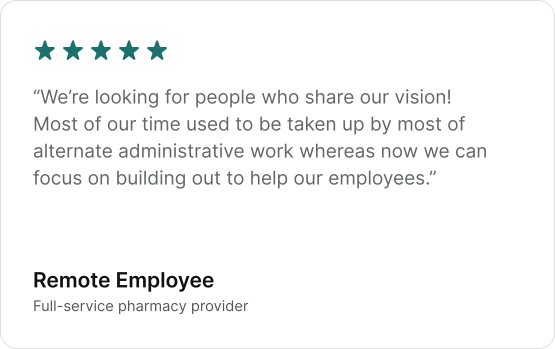
Client Feedback
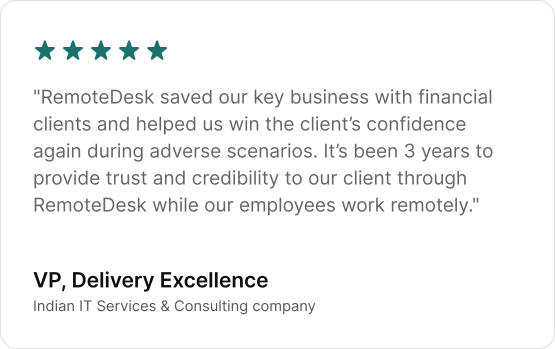
Customer Testimonial
RemoteDesk transformed our data security approach.
Get Started Today
Sign up in minutes. Secure your remote workforce with confidence.
See how RemoteDesk makes compliance and data protection effortless.
Protect your enterprise data with our AI-driven security solutions. Experience enhanced compliance and workforce analytics for a stronger, more efficient team