


In recent times, cybersecurity threats are growing faster than ever. As businesses move their operations online and employees work remotely from different locations, protecting digital systems has become a major priority. For a long time, passwords were considered enough to secure accounts. However, over time it became clear that passwords alone cannot protect sensitive data from modern cyberattacks.
Because of this, organizations have started adopting stronger authentication systems that go beyond simple passwords. Two of the most commonly used security methods today are Two Factor Authentication (2FA) and Multi Factor Authentication (MFA).
Both systems add additional layers of identity verification before allowing access to a system. This makes it much harder for attackers to break into accounts even if they manage to steal a password.
At the same time, modern remote work environments require even stronger identity verification tools. Advanced authentication technologies such as FaceAuth by RemoteDesk help organizations verify user identity in real time using biometric authentication like facial recognition. These tools add an extra layer of protection for remote teams and sensitive systems.
In this detailed blog, we will understand the difference between Two Factor Authentication vs Multi Factor Authentication, how they work, and which one offers better security.
What is Two Factor Authentication (2FA)?
Two Factor Authentication, commonly known as 2FA, is a security process that requires users to verify their identity using two different authentication factors before they can access an account or system.
Instead of relying only on a password, 2FA adds an additional verification step. Typically, these two factors fall into the following categories:
- Something you know: This includes information only the user knows, such as a password, PIN, or security answer.
- Something you have: This refers to a physical device or item the user possesses, such as a mobile phone, OTP generator, or hardware security token.
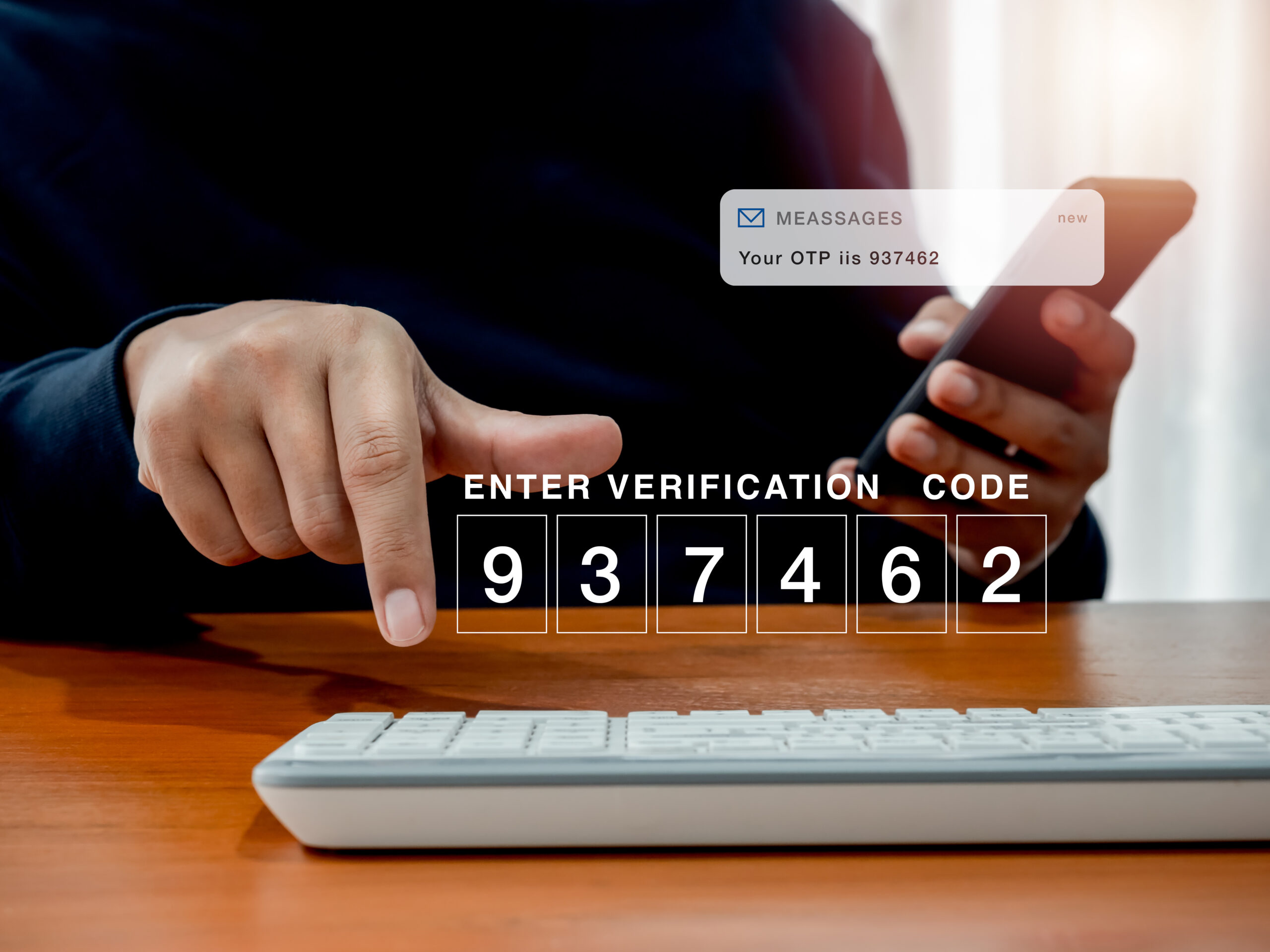
For example, when logging into a system, a user might first enter their password. After that, they receive a one-time password (OTP) on their phone. Only after entering the OTP can they access the account. Because of this second verification layer, 2FA significantly improves security compared to passwords alone.
Many organizations already use 2FA for email login verification, banking transactions, cloud software access, and corporate network login.
However, while 2FA improves security, modern cyber threats have become more sophisticated. As a result, many organizations are now moving toward even stronger authentication systems.
What is Multi Factor Authentication (MFA)?
Multi Factor Authentication (MFA) is an advanced authentication method that uses two or more verification factors to confirm a user’s identity. While 2FA always uses exactly two layers, MFA can include multiple layers of authentication depending on the system’s security requirements.
MFA typically combines different types of authentication factors, such as:
- Knowledge factor: Information the user knows, like passwords or PINs.
- Possession factor: Items the user owns, such as smartphones, OTP devices, or security keys.
- Inherence factor: Biometric identifiers such as facial recognition, fingerprints, or voice recognition.
- Location or behavioral factors: Verification based on user behavior, device location, typing patterns, or login activity.
Because MFA uses several verification methods together, it creates a much stronger identity validation process. Even if one authentication factor is compromised, attackers still cannot access the system without passing the remaining security checks.
For this reason, Multi Factor Authentication is quickly becoming the industry standard for enterprise cybersecurity.
Two Factor Authentication vs Multi Factor Authentication: Key Differences
Below are the key differences between Two Factor Authentication and Multi Factor Authentication.
Authentication Layers
The main difference lies in the number of authentication steps.
Two Factor Authentication uses exactly two verification methods to confirm identity. For example, a password combined with an OTP sent to a phone.
Multi Factor Authentication, on the other hand, uses two or more authentication factors. This could include a password, a biometric scan, and a device verification step.
Security Strength
While 2FA improves security compared to password-only systems, it can still be vulnerable to certain attacks such as phishing or OTP interception.
Multi Factor Authentication provides stronger protection because attackers must bypass multiple independent verification layers. When biometric authentication like facial recognition is included, it becomes significantly harder for unauthorized users to gain access.
Scalability for Enterprise Security
For small applications, 2FA might be enough. However, modern organizations operate across multiple devices, networks, and locations.
Multi Factor Authentication adapts better to complex security environments because it allows organizations to combine multiple authentication methods depending on risk levels.
For example, a system might require biometric verification when a login attempt comes from a new device or unfamiliar location.
Why Multi Factor Authentication is Considered More Secure
There are several reasons why Multi Factor Authentication is widely considered more secure than Two Factor Authentication.
First, MFA significantly reduces the risk of unauthorized access. Even if hackers obtain a password, they still need to pass additional authentication checks.
Second, multiple verification layers create stronger identity assurance. When authentication includes biometrics or device verification, it becomes extremely difficult for attackers to impersonate legitimate users.
Another major advantage is biometric authentication. Biometric factors like facial recognition rely on unique physical characteristics that cannot easily be copied or stolen.
Finally, MFA supports continuous identity verification, which is especially important for remote employees accessing company systems from different locations.
The Role of Facial Recognition in Modern Multi Factor Authentication
Facial recognition is becoming an important part of modern authentication systems.
Below are some key aspects that explain the growing role of facial recognition in modern security systems.
Biometric Authentication in Identity Verification
Biometric authentication verifies users based on unique physical characteristics. Unlike passwords or OTPs, biometric identifiers such as facial patterns are extremely difficult to replicate.
Because of this, biometric authentication provides a stronger and more reliable method of confirming a user’s identity.
Why Facial Recognition is Becoming a Key MFA Component
Facial recognition technology analyzes distinct facial features and compares them with stored identity data. This allows systems to verify users quickly and accurately.
As cybersecurity threats continue to evolve, many organizations are integrating facial recognition into Multi Factor Authentication to strengthen their access control systems.
Advantages of Facial Verification Over Traditional Authentication
Facial verification offers several advantages compared to traditional authentication methods.
First, it reduces the dependence on passwords, which are often weak or reused across multiple platforms.
Second, it improves user convenience by allowing faster authentication without remembering complex credentials.
Finally, biometric verification significantly reduces the risk of impersonation or credential theft.
For these reasons, facial recognition is becoming a powerful component of modern Multi Factor Authentication systems used by businesses worldwide.
How FaceAuth Strengthens Multi Factor Authentication for Remote Teams
Modern remote teams require more advanced authentication systems that can verify user identity continuously. FaceAuth by RemoteDesk is designed specifically to strengthen Multi Factor Authentication for distributed work environments.
Below are some of the key features that enhance identity verification.
Real-Time Facial Recognition Verification
FaceAuth verifies user identity through facial recognition during active work sessions. This ensures that the person logged into the system is the authorized employee.
Multifactor Facial Authentication
The system adds biometric authentication to existing security layers, combining passwords, device verification, and facial recognition.
This creates a much stronger Multi Factor Authentication framework.
Real-Time Imposter and Spoof Detection
FaceAuth can detect impersonation attempts or fake identities in real time. If suspicious activity is detected, the system alerts administrators immediately.
Insider Threat and Malicious Activity Detection
The system also helps organizations identify unauthorized access attempts from internal users. This reduces the risk of insider threats and protects sensitive company data.
Authentication Challenges in Remote Work Environments
Remote work has made business operations more flexible. However, it has also introduced new security challenges that organizations must address carefully. When employees work from different locations and devices, it becomes harder to maintain strict access control.
Below are some of the common authentication challenges businesses face in remote environments.
Increased Cyber Threats Targeting Remote Employees
Remote workers often connect to company systems using home networks or public Wi-Fi. These networks may not have the same level of security as corporate infrastructure.
As a result, attackers frequently target remote employees through phishing attacks and credential theft attempts.
Risk of Credential Sharing or Unauthorized Access
In remote environments, there is always a risk that login credentials may be shared intentionally or unintentionally.
For example, employees might share passwords with teammates to complete urgent tasks. However, this practice creates serious security risks because organizations lose visibility over who is actually accessing the system.
Identity Impersonation Risks
Another major concern is impersonation. If someone gains access to an employee’s credentials, they may log in and act as that employee without being detected.
Without strong authentication measures, it becomes difficult to verify whether the actual user is accessing the system.
Need for Stronger Identity Verification Systems
Because of these challenges, businesses can no longer rely only on passwords or basic authentication methods.
Organizations must adopt stronger identity verification solutions such as Multi Factor Authentication, which combines multiple authentication layers to ensure that only authorized users can access company systems.
How Businesses Can Implement Multi Factor Authentication Successfully
Implementing Multi Factor Authentication requires more than simply adding an extra login step. Organizations need a structured approach to ensure that the authentication system is both secure and easy for employees to use.
Below are some important steps businesses can follow.
Step 1: Evaluate the Existing Authentication System
The first step is to review the current authentication setup. Businesses should identify weaknesses such as password-only logins, outdated verification systems, or lack of monitoring.
Understanding these gaps helps organizations determine what additional authentication layers are required.
Step 2: Introduce Multiple Authentication Factors
Once the gaps are identified, businesses can start implementing multiple authentication factors.
This may include combining passwords with OTP verification, hardware security keys, or biometric authentication such as facial recognition. Using multiple factors strengthens identity verification significantly.
Step 3: Implement Biometric Verification Tools
Biometric authentication adds a powerful layer of security because it relies on unique human characteristics.
Tools such as facial recognition help verify that the person accessing the system is the authorized employee, which reduces the risk of impersonation or credential misuse.
Step 4: Monitor User Sessions Continuously
Authentication should not end at login. Organizations should monitor user sessions continuously to detect suspicious activities.
If unusual behavior or unauthorized access attempts are detected, the system can alert administrators immediately.
Step 5: Train Employees on Security Practices
Even the most advanced authentication systems can fail if employees are not aware of security risks.
Businesses should educate employees about password hygiene, phishing threats, and the importance of following secure authentication practices.
When users understand how authentication protects company data, they are more likely to follow security protocols.
4 Top Future Trends in Multi Factor Authentication
Authentication technologies are evolving rapidly as organizations face increasingly sophisticated cyber threats. In the coming years, Multi Factor Authentication will continue to advance with smarter and more adaptive security systems.
Below are some important trends shaping the future of Multi Factor Authentication.
AI-Powered Authentication Systems
Artificial intelligence is playing a growing role in authentication systems. AI can analyze user behavior, login patterns, and device activity to detect suspicious actions.
If the system detects unusual login attempts, it can trigger additional authentication steps automatically, helping organizations respond to threats faster.
Continuous Identity Verification
Traditional authentication verifies identity only at the time of login. However, future systems are moving toward continuous identity verification.
This means the system can monitor the user’s identity throughout the entire session to ensure that the same person remains active on the device.
Behavioral Biometrics
Behavioral biometrics analyze how users interact with devices rather than relying only on physical characteristics.
For example, authentication systems may monitor typing speed, mouse movements, scrolling patterns, or touchscreen behavior to verify identity. Since these patterns are unique to individuals, they add another layer of security.
Integration with Remote Workforce Monitoring Tools
As remote work continues to grow, authentication technologies will increasingly integrate with workforce monitoring tools.
These systems can combine authentication, identity verification, and activity monitoring to ensure that remote employees accessing company systems are legitimate users.
This integration will help organizations maintain stronger security across distributed teams.
Conclusion
Both Two Factor Authentication and Multi Factor Authentication help strengthen system security by adding additional identity verification layers.
However, Multi Factor Authentication provides stronger protection because it allows organizations to combine multiple authentication methods, including biometrics and behavioral verification.
As cyber threats continue to evolve and remote work becomes more common, businesses must adopt advanced authentication technologies to protect sensitive systems and data.
Tools like FaceAuth by RemoteDesk help organizations strengthen identity verification by integrating facial recognition and real-time monitoring into Multi Factor Authentication frameworks. By implementing these advanced security measures, businesses can create safer and more secure digital environments.
FAQs
What is the difference between Two Factor Authentication and Multi Factor Authentication?
Two Factor Authentication uses exactly two verification methods, while Multi Factor Authentication uses two or more identity verification layers to improve security.
Is Multi Factor Authentication more secure than Two Factor Authentication?
Yes. Multi Factor Authentication is generally more secure because it can include additional layers such as biometrics, device verification, or behavioral analysis.
How does facial recognition improve Multi Factor Authentication?
Facial recognition adds biometric verification, making it significantly harder for attackers to impersonate legitimate users.
What is FaceAuth by RemoteDesk?
FaceAuth is a facial authentication solution that verifies user identity in real time and detects impersonation attempts during remote work sessions.
Why do remote teams need Multi Factor Authentication?
Remote employees access systems from multiple locations and devices, which increases security risks. Multi Factor Authentication ensures that only authorized users can access company systems.
